The bottleneck nobody designed on purpose
Open any mature Jira instance and look at a select-list field — Category, Region, Affected Product, Root Cause. Now try to add a new option, rename a stale one, or delete a value nobody should pick anymore.
You can't. Not unless you're a Jira global administrator.
In Jira, the options on a select field live inside its field context — and field contexts are global configuration. That single design decision quietly turns every dropdown change into a support ticket:
- -"Can you add 'Singapore' to the Region field?"
- -"We discontinued that product line — can you remove it from the dropdown?"
- -"Marketing renamed the campaign types, can you update the options?"
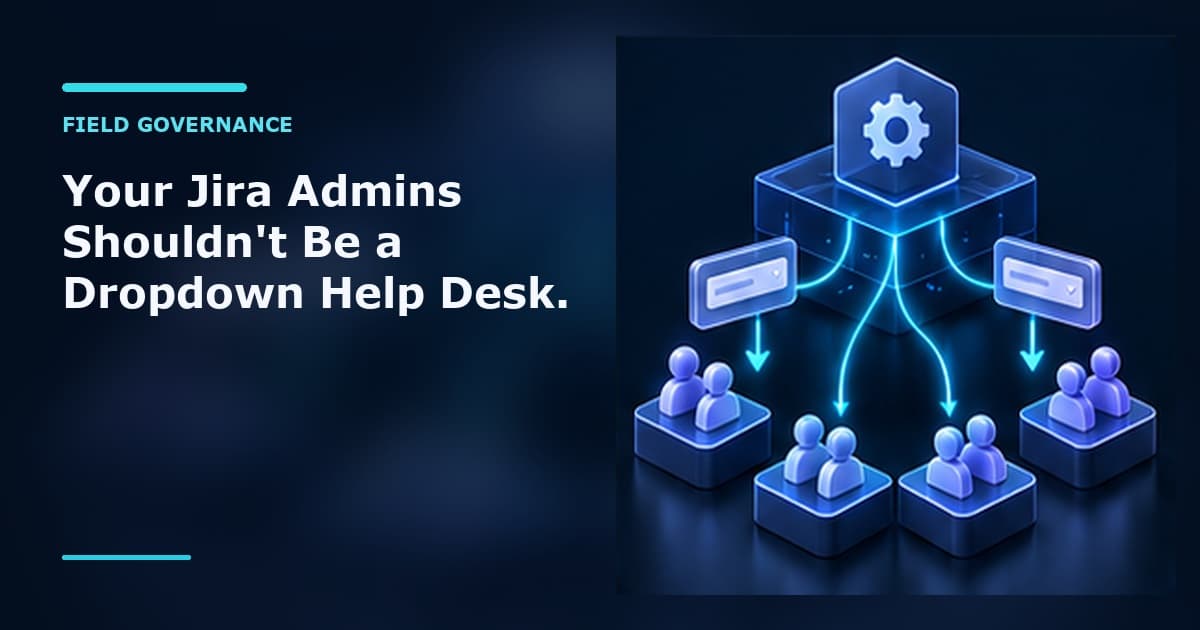
Multiply that by every project, every team, and every field, and your global admins become a dropdown help desk — doing low-stakes data-entry work that has nothing to do with platform governance.
Stale options are a slow leak
The bottleneck isn't just slow — it actively degrades your data.
Because changing options requires a privileged person who isn't close to the work, two things happen:
- -Options get added but never removed. Deleting feels risky ("will this break a filter?"), and the person with the permission rarely knows which values are dead. So dropdowns grow into a junk drawer of legacy choices.
- -People pick the wrong thing. When a field offers ten options and three are obsolete, users guess. Now your reports, dashboards, SLAs, and automation rules are running on values that don't mean what they used to.
The people who know which options are obsolete can't remove them. The people who can remove them don't know which ones are obsolete. Nothing gets cleaned up.
Give option management to the people who own the process
The fix isn't more admin tickets — it's delegation.
Custom Fields Toolkit adds a Select List Options page directly in Project settings. From there, a project administrator can manage the options on the select fields used in their project:
- -Add a new option the moment the team needs it
- -Rename an option without filing a request
- -Reorder the list so the common choices come first
- -Delete the options that no longer belong — the cleanup that never used to happen
No global-admin queue. No waiting days for a one-line change. The people closest to the process curate their own dropdowns, scoped to the project they actually run.
What changes in practice
| Before | With Custom Fields Toolkit |
|---|---|
| Dropdown change = ticket to a Jira admin | Project admin edits it themselves in seconds |
| Global admins do dropdown data entry | Admins focus on real platform governance |
| Obsolete options pile up forever | The team that knows actually removes them |
| Field values drift from reality | Dropdowns stay relevant, reports stay trustworthy |
It's a small permission, but it removes a daily friction that scales with your instance — and it keeps your select fields clean by putting ownership where the knowledge already is.
How it works
- -Install Custom Fields Toolkit for Jira (runs entirely on Atlassian Forge — no external infrastructure, no data leaving your tenant).
- -A project admin opens Project settings → Select List Options.
- -They see the eligible select fields used in that project and manage their options — add, rename, reorder, delete — without a global-admin in the loop.
Your administrators stop being a dropdown help desk. Your teams stop waiting. And your dropdowns finally reflect how the work actually happens today.